




Creating a relaxing home office environment is essential for staying productive and maintaining well-being, especially as many of us spend more time working from home. A calm and comfortable space can help you focus better, reduce stress, and even boost creativity. In this post, we’ll explore practical tips to design a home office that feels inviting and supports your work habits.
1. Choose the Right Location
Find a Quiet Spot
Select a part of your home with minimal noise and distractions. If possible, pick a room or corner away from busy areas like the living room or kitchen. A quiet space helps you concentrate and reduces interruptions.
Consider Natural Light
Natural light can greatly improve your mood and alertness. Set up your desk near a window or in a well-lit room. Avoid glare on your computer screen by positioning your desk so light comes from the side rather than directly behind or in front.
2. Invest in Comfortable Furniture
Ergonomic Chair
A good office chair supports your posture and reduces discomfort during long work hours. Look for one with adjustable height, lumbar support, and comfortable padding.
Desk Size and Height
Your desk should be spacious enough for your monitor, keyboard, and other essentials without feeling crowded. Also, the desk height should allow your arms to rest comfortably while typing to avoid strain.
3. Keep the Space Organized
Declutter Regularly
Clutter can increase stress and make it hard to focus. Keep only what you need on your desk and store other items in drawers or shelves.
Use Storage Solutions
Organizers, filing cabinets, and shelves help keep your workspace tidy. Labeling folders and bins can make it easier to find documents quickly.
4. Add Soothing Colors and Decor
Choose Calm Colors
Colors like soft blues, greens, or neutrals create a relaxing atmosphere. Avoid overly bright or harsh colors that might feel overwhelming.
Personal Touches
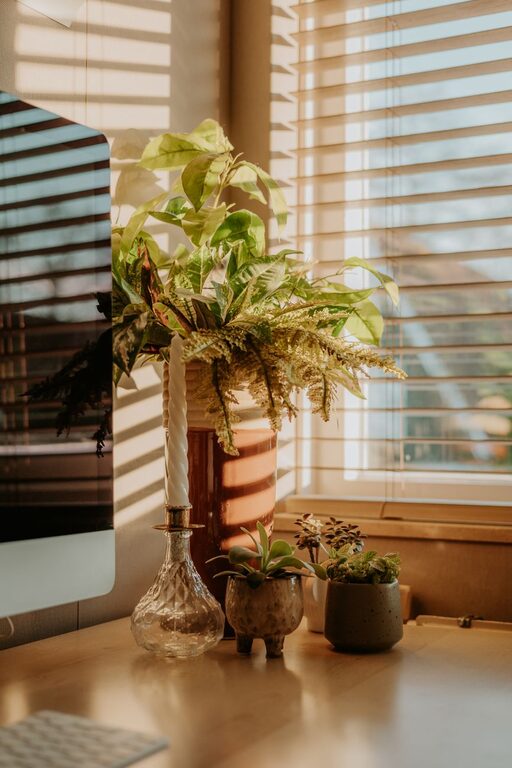
Adding plants, artwork, or family photos can make your office feel more inviting and personalized. Plants are especially beneficial as they improve air quality and add a touch of nature.
5. Control Lighting and Noise
Adjustable Lighting
Use a combination of natural light, overhead lights, and task lighting like desk lamps. Being able to adjust lighting levels helps you work comfortably at different times of the day.
Manage Noise
If you can’t avoid background noise, consider noise-canceling headphones or white noise machines to help you concentrate. Alternatively, soft instrumental music can improve focus without being distracting.
6. Establish a Comfortable Temperature
Working in a space that is too hot or cold can be distracting. Set your thermostat to a comfortable temperature, or use a fan or heater if necessary to maintain comfort during work hours.
7. Incorporate Break Areas
If space allows, create a small area nearby where you can take short breaks. A comfortable chair or yoga mat can encourage stretching or relaxation away from your desk.
8. Maintain a Routine
A relaxing home office environment also depends on your habits. Start and end your workday at the same times, take regular breaks, and keep the space clean and organized to maintain a professional mindset.
—
Creating a relaxing home office environment doesn’t require a full renovation. Small changes like improving lighting, adding plants, and organizing your desk can make a significant difference in how you feel and perform during the workday. By making your workspace comfortable and calming, you’ll enjoy your work more and reduce stress.
Take time to personalize your space and adjust it as your needs change, and soon you’ll have a home office that feels both productive and peaceful.


More Stories
Tips for Creating a Cozy and Inviting Home Workspace
Tips for Creating a Cozy and Productive Home Office Space
Tips for Organizing a Productive Home Office Space